
Lawn Feed Calculator: How Much Lawn Feed or Fertiliser Do I Need?
Work out how much lawn feed or fertiliser to apply to your lawn, using the rate printed on the product’s own label. It handles granules (grams per m²) and liquid concentrates (ml per m²), and tells you how many packs to buy without suggesting you apply more. The calculation runs in your browser; nothing you type is sent anywhere.
Worked example (example figures only): a 50 m² lawn and a label rate of 35 g/m²: 50 × 35 = 1,750 g = 1.75 kg to apply. In 1.5 kg packs that means buying 2 packs — but you still apply only 1.75 kg.
Affiliate links: As an Amazon Associate I earn from qualifying purchases. It costs you nothing extra.
Prefer to order online?
Your local garden centre is the best place to compare in person. If you would rather have it delivered:
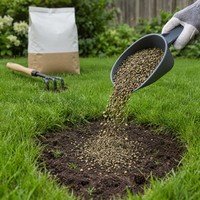
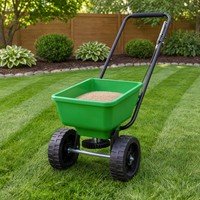
Images are AI-generated illustrations, not photos of the exact product. Check the product, price and availability on Amazon.
How the calculation works
- Net lawn area × the label’s application rate = the amount to apply.
- Granules and liquids are calculated separately; for liquids, water is calculated only if the label gives litres per m².
- Packs are rounded up for buying only.
What this tool does not do
- There is no default rate — every product is different, so the label rate is required.
- It does not recommend a product, a time of year or the weather to apply in. Follow the label.
A practical guide to measuring lawn feed
Lawn feeds and fertilisers come with an application rate on the label, but turning that rate into an amount for your own lawn is where mistakes happen. The calculator above does that arithmetic. This guide explains how to use it — and what it deliberately leaves to the product label.
Measure the lawn, not the garden
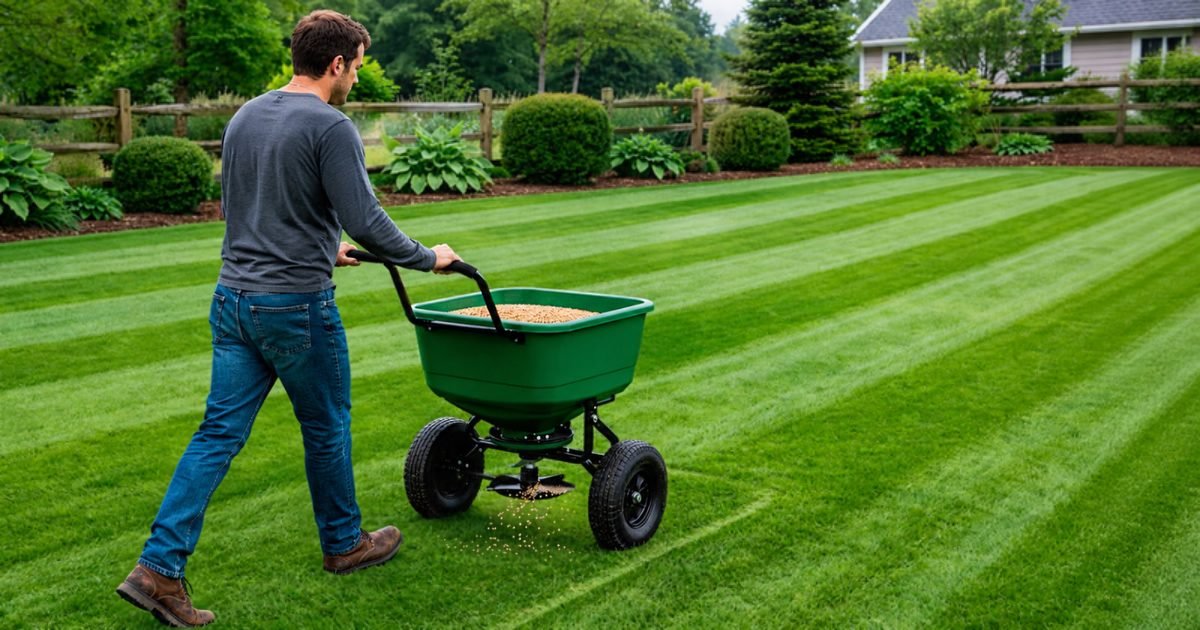
Measure only the grass you are treating. Split the lawn into rectangles, circles and triangles, and leave out beds, paths and anything else inside the lawn so the amount matches the area that will actually be fed.
Use the rate on the label
Every product is different, and the label is the authority. The calculator requires you to enter the rate printed on your product — grams per square metre for granules and powders, or millilitres per square metre for liquid concentrates. It does not suggest a rate, and it does not recommend a product.
Granules and liquids are different
For granules, the result is the weight of product to spread. For liquid concentrates, the result is the amount of concentrate; if the label also gives the amount of water per square metre, enter it and the calculator works out the total water too. Always mix and apply exactly as the label says.
Buying extra is not applying extra
The calculator rounds the number of packs up so you buy enough. That is for purchasing only. The amount to apply is the figure shown for your area — any product left over should be stored as the label directs, not spread to use it up.
What this page does not cover
Timing, weather conditions, watering in, when people and pets can use the lawn again, and disposal are all product-specific. Follow the label. If anything on the label is unclear, ask the manufacturer or your garden centre.
Common questions
Can I use this for weed and feed products?
The arithmetic is the same — area times the label rate. Follow that product’s label for everything else.
Why does the calculator not suggest a rate?
Because rates differ between products. Using the label rate avoids applying too much or too little.
My lawn has a pond in the middle — what do I do?
Add the pond as a “leave out” area so it is subtracted from the lawn.
Repairing bare patches as well?
See how to repair bare lawn patches and the grass seed calculator.
Related
More garden calculators
- Mulch calculator
- Grass seed calculator
- Turf calculator
- Gravel calculator
- Topsoil calculator
- Raised bed soil calculator
- Hedge plant calculator
- Bulb planting calculator
We are not horticulturists and do not claim to be. This page does one narrow job — arithmetic — shows its working, and leaves the product-specific figures to you and your supplier. If you find an error, tell us and we will correct it and say so.